

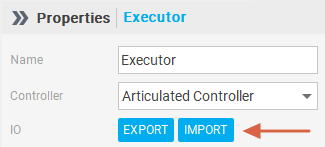
Support for CSV batch processing:
EXPORT (Export to CSV): One-click export of the complete component and Port number list, convenient for offline editing and review.
IMPORT (Import and Update): Modified CSV files can be directly uploaded, and the system automatically compares and updates the corresponding Port ID, supporting fast adjustments for a large number of components.
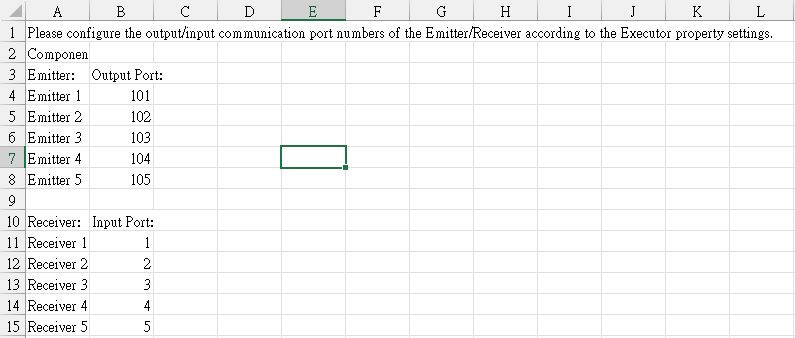
The exported CSV can modify the specified Port Number and then be re-imported into DIATwin. If the modified format cannot be recognized by the software, the system will display an error message in the Console.
In Excel, adding an Emitter or Receiver, and then importing into Excel will also display an error message.