

When using the Dragger in DIATwin to move collaborative robot arm configurations, some arms may display a message saying "Position is out of reach of the robot". This issue originates from earlier arm kinematics algorithms that were not optimized for collaborative configurations, which caused some poses to be incorrectly judged as unreachable and thus not movable. To resolve this, we have optimized and upgraded the articulated robot controller, added support for collaborative arm configurations, and improved the arm motion algorithms. This enables collaborative arms to correctly recognize changes in arm handedness: including eight common combinations of shoulder (Left/Right), elbow (Above/Below), and wrist (Flip/No Flip).
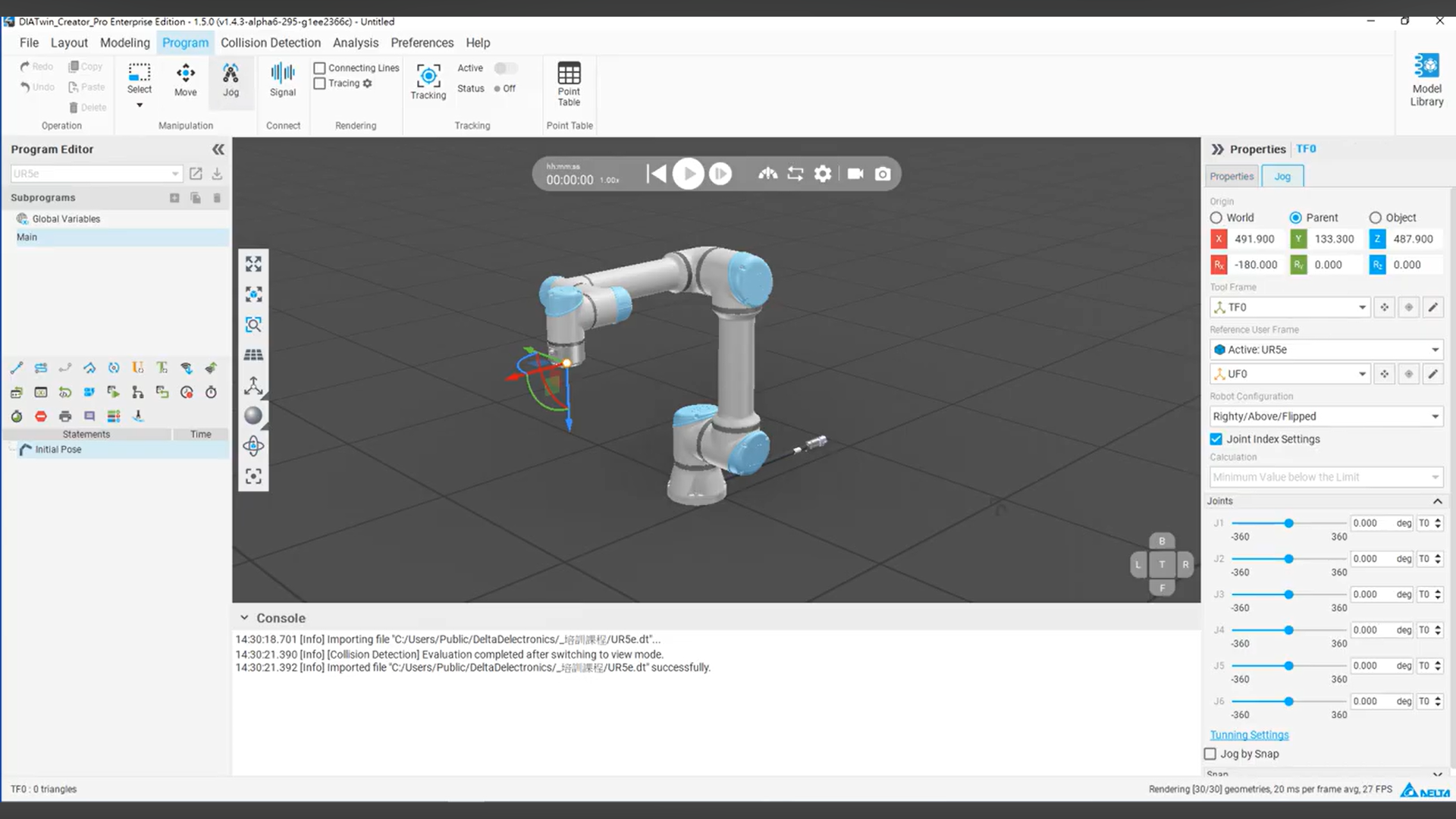
Procedure: