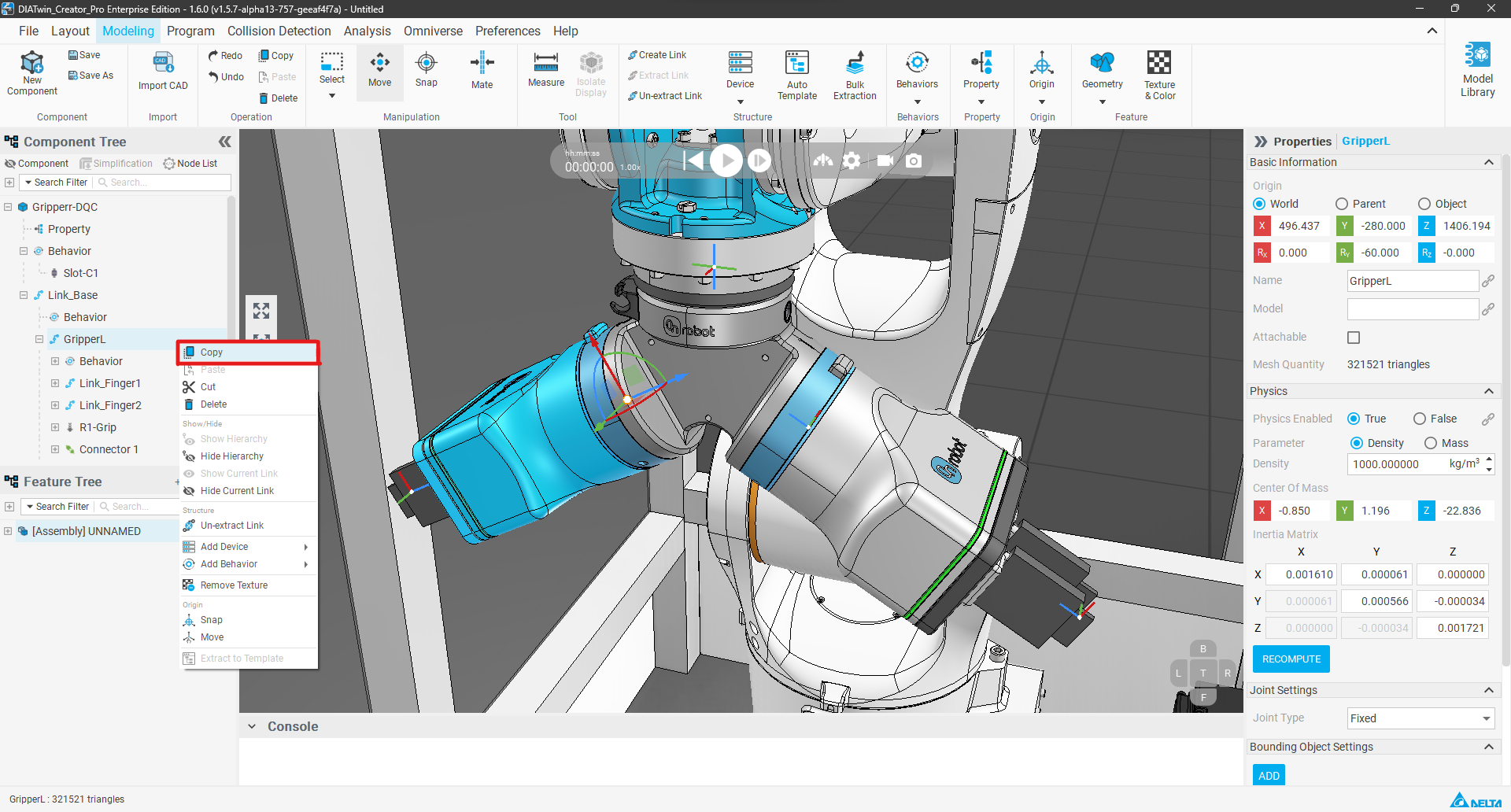
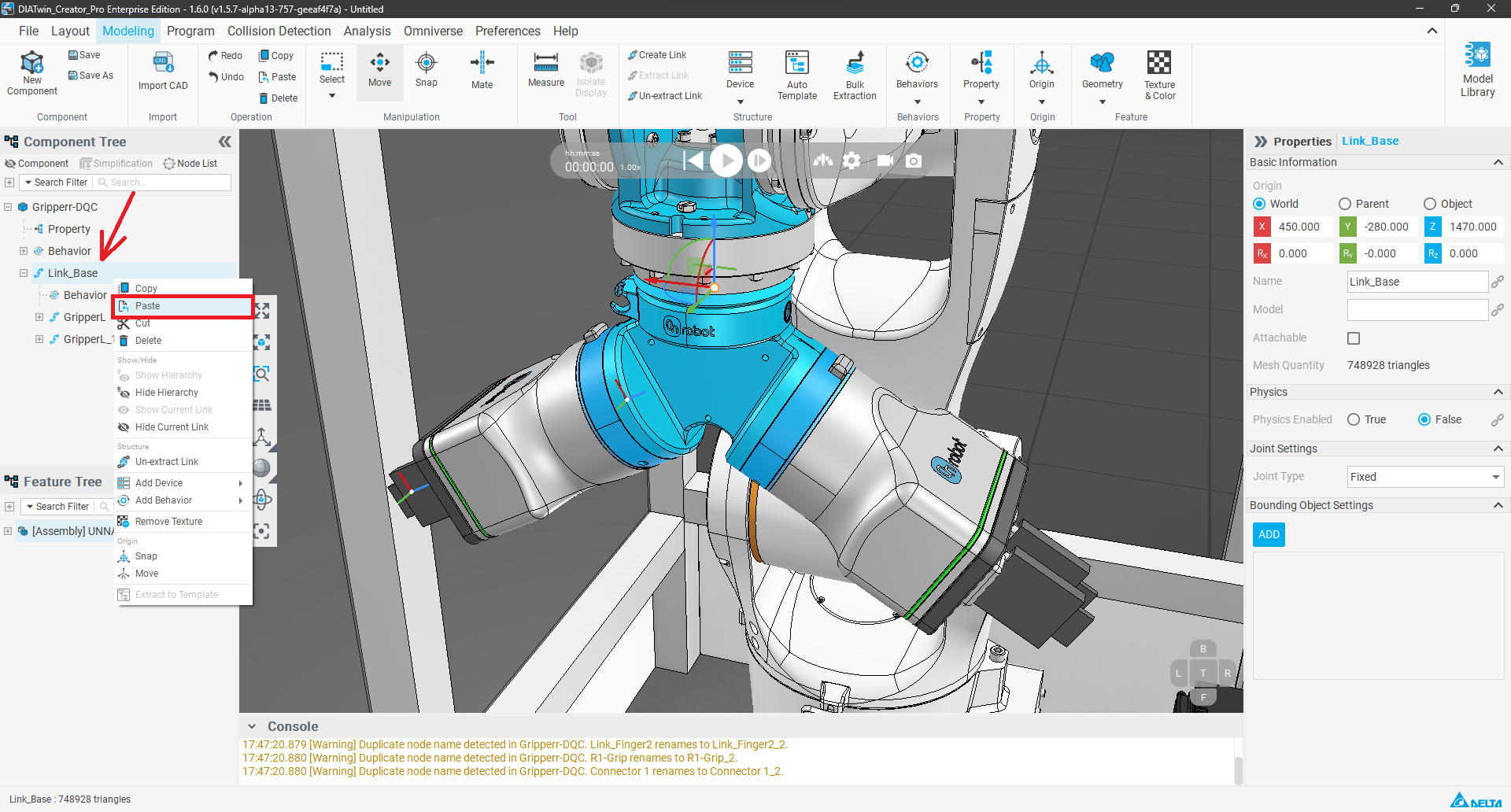
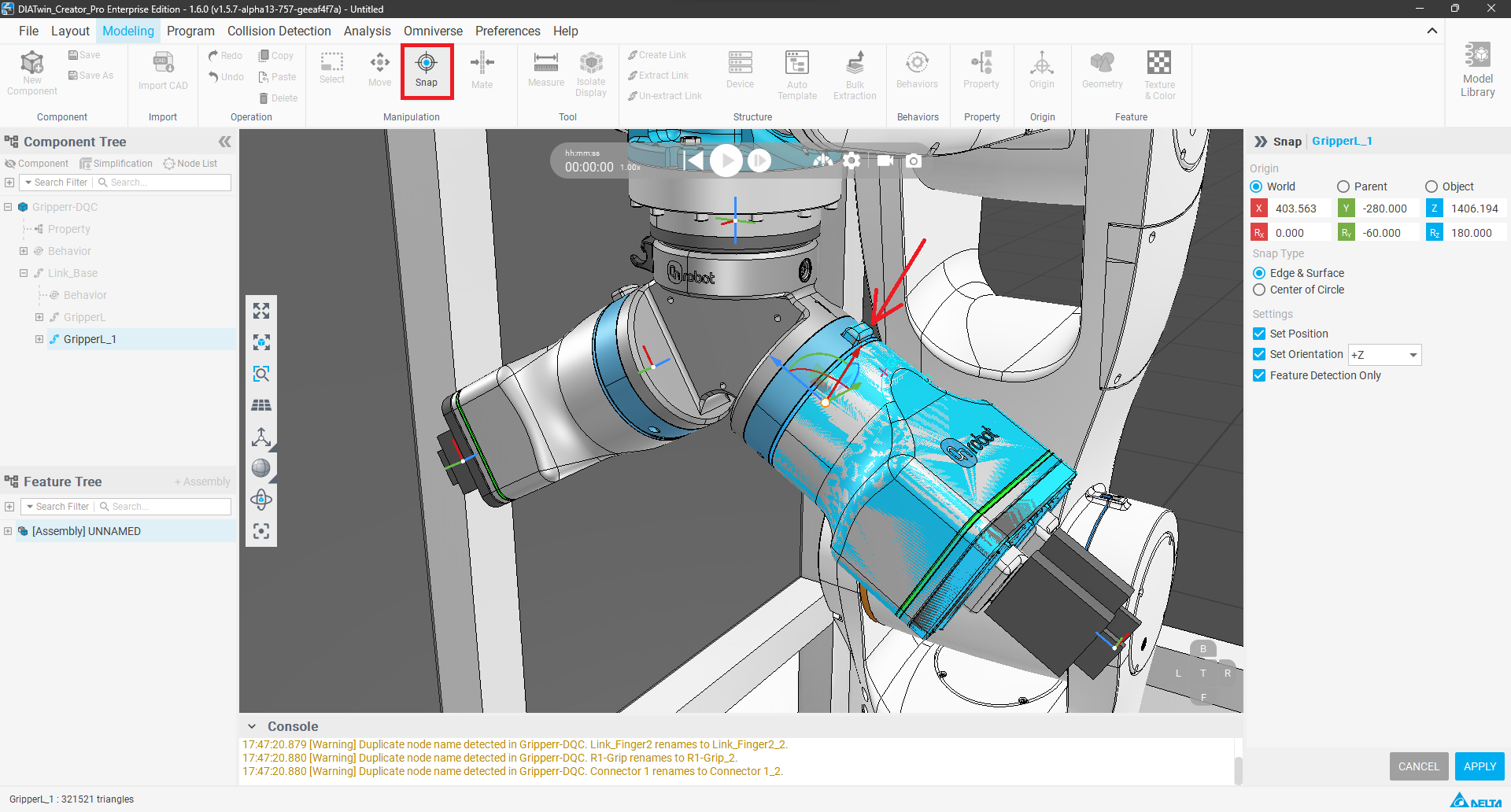
In the actual modeling process, users often need to create a lot of link or device nodes with highly similar structures, appearances, and behaviors. In the past, it was necessary to manually repeat the settings for appearance features, attribute parameters, and behavior settings one by one. This was not only time-consuming and labor-intensive, but also prone to omissions and inconsistencies due to human oversight, thereby increasing the difficulty of later maintenance. Therefore, we are launching the new "Copy/Paste Link and Device" functionality. It allows you to configure once and quickly copy and paste within the same component or across components, completely preserving all appearances, attributes, and behavioral logic. Whether it's multi-gripper equipment, repetitive mechanism design, or modular system modeling, this functionality can significantly reduce modeling time, improve consistency and accuracy, completely solve the efficiency bottleneck of repetitive modeling, and make the user's design workflow smoother.