In the past, the first thing to do after installing and opening the software was to update the model library. However, as the number of models in the library increases, updating becomes more time-consuming. Now, users can select only the models they need to update, skipping the download of other less frequently used models, allowing users to enter work mode faster.
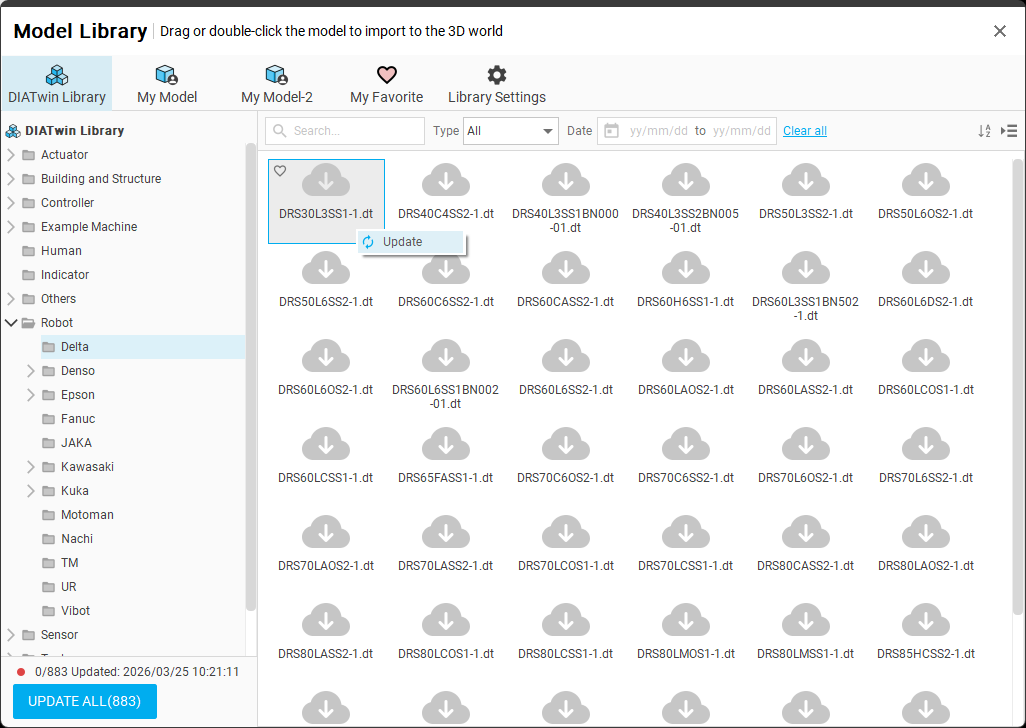
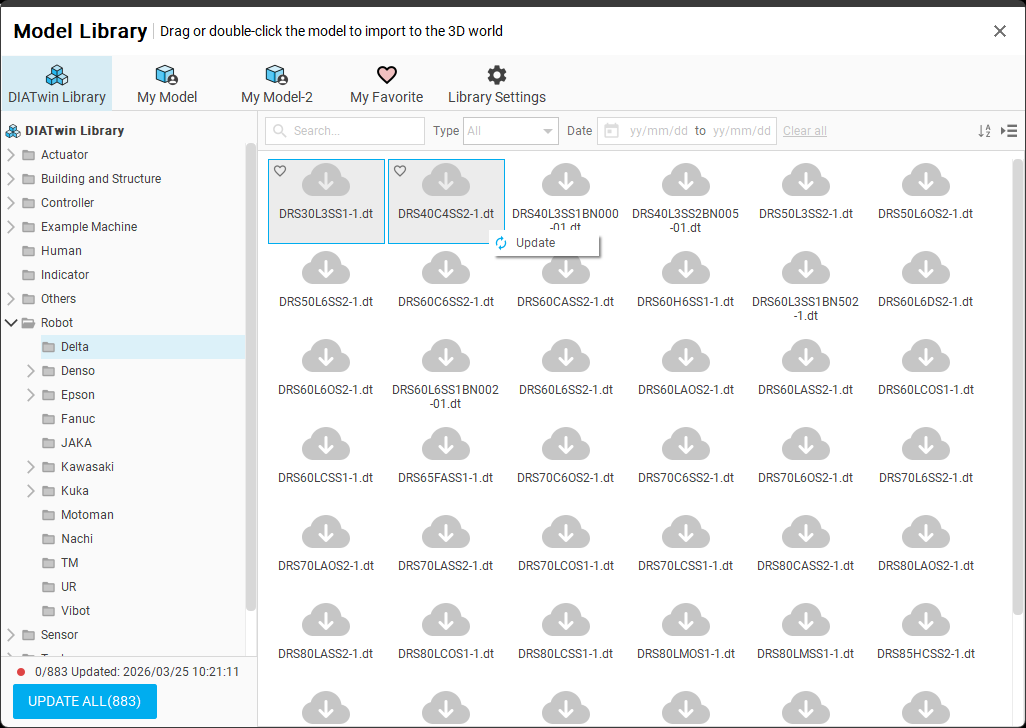
In addition to the normal single-file selection for updates, users can also select multiple files for updates.
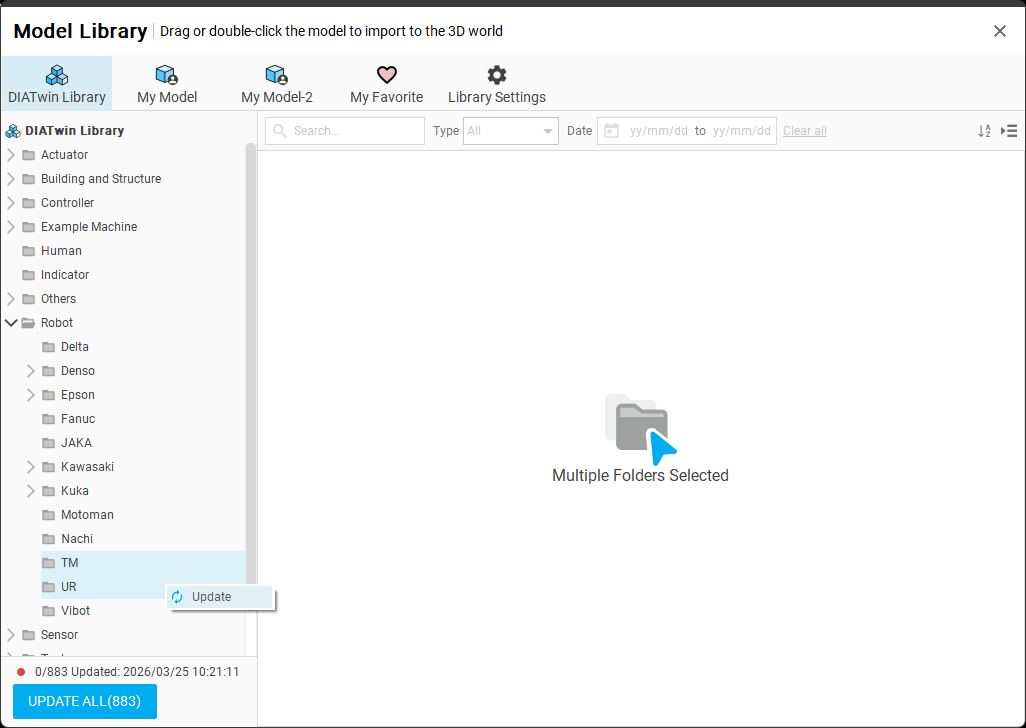
Users can even select single or multiple folders for updates.