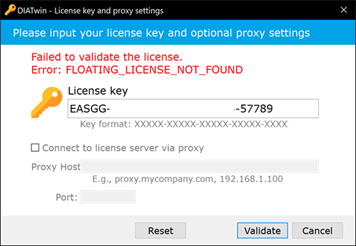
Download and run the installer
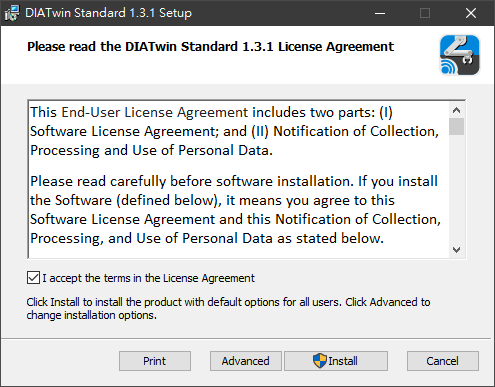
Follow the software instructions to install and specify the installation path
Check "I accept the terms in the License Agreement" and then choose Install to proceed directly or click
Advanced for more installation options
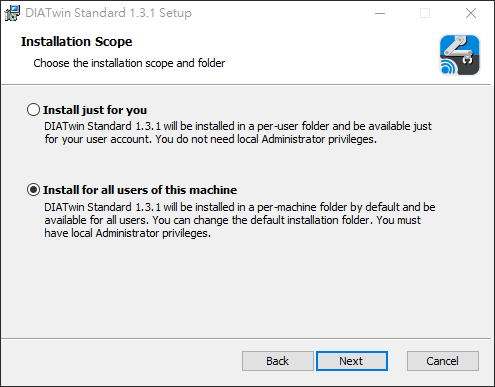
In Advanced, you can choose to install for all users or just for yourself
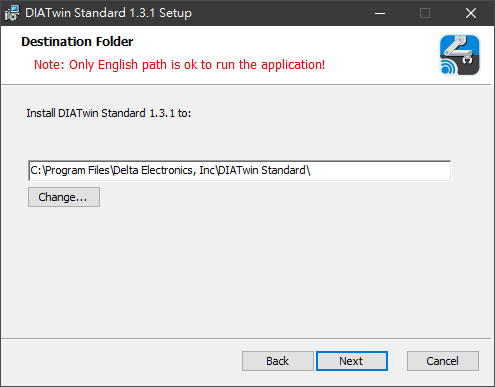
In Advanced, you can select the installation path. Please note that the installation path must use English
characters only
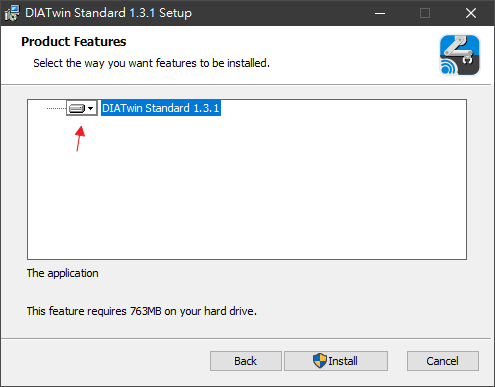
In Advanced, you can select the features to install. By default, all features are installed on the local hard
drive
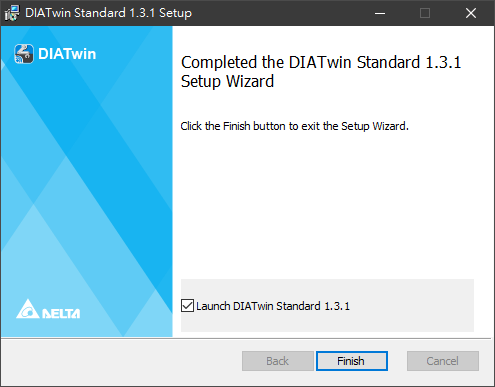
After installation, you can check the option to launch the software directly
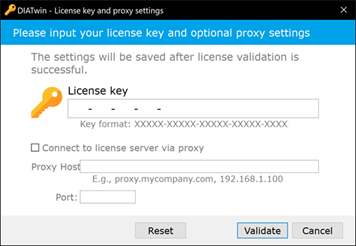
Enter the specified software serial number
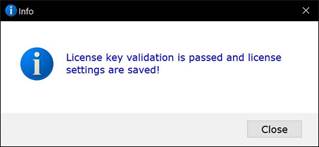
License Key entered successfully
License Key entry failed